This section explains how to share a GeoAR.it marker and guide friends with a time-limited share code or link.
🔰 Sharing Markers with Share Codes
- 🗺️ After creating a marker, generate a share code to guide others to that spot.
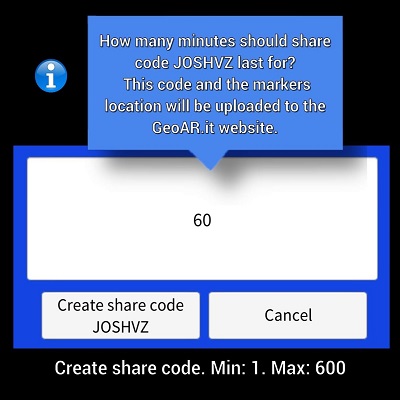
- ⏰ Set a time limit on the share code so it will auto-expire after a set number of minutes.
- 👆 Select an existing marker and click the share button to create a 6-character code and choose its expiry.
- 🔒 Only give share codes to people you trust. Recipients enter it in the 'My GeoAR.it markers' plugin (found by swiping up the plugins panel).
- 🔗 View what data is temporarily stored here.
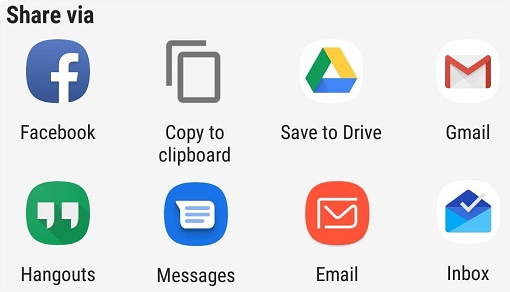
- 📲 A unique, clickable link is also generated—you can send this via SMS.
- 🟢 Clicking the link on a phone will launch GeoAR.it, fetch marker details, and draw a green navigation line with distance and walking time.
This section explains the different marker types you can create and share in GeoAR.it.
📍 Marker Types
- ⛺ Tent – Mark your tent’s spot and your mates’ tents.
- 🚗 Car – Remember where you parked.
- 🎶 Music – Tag the best stages at festivals.
- 🍔 Food – Find your favourite food stalls.
- 🚻 People – Mark toilets, first aid, or gathering points.
- ➡️ Arrow – For anything else—fully custom.
This section tells you how to cancel (expire) your last share code if needed.
❌ Cancelling Your Last Share Code
- 🗑️ To cancel any previous share code, create a new one and set its expiry to 0 minutes.
This section shows where to find your current share code in the notification area.
🔔 Notification Area
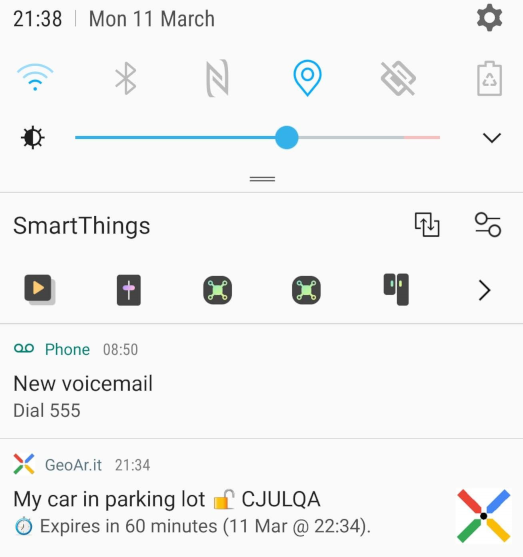
- 🛎️ Your most recent share code is always visible in the notification area of the app.